
I’ve made a decision today to begin uploading smaller scans to Flickr. Normally, I upload a JPEG version of the original scan at full resolution (this is 2400dpi for medium format negatives scanned on my Epson V550, and 3600dpi for 35mm negatives scanned on the Plustek). These are my raw scans which I then process further in Lightroom and add a white border in Photoshop before uploading to my Flickr account. These scanning resolutions are, to my eyes, the ones that pull the maximum detail from the negatives for these particular scanners without them simply becoming bigger files with no increase in detail.
The downside of these resolutions is that the scans are big. Not just in terms of pixel count, but also in terms of file size. The resulting TIF file for a 6×6 medium format colour negative can be around 150-200 megabytes, and even black and white TIF still come in at around half that size. This means that I’m using a significant amount of drive-space to store these files. Thankfully, the exported JPEG files are much smaller – around 15-20 megabytes for a 6×6 colour image. However, this still adds further space requirements on top of the TIF originals.
What I’ve noticed on Flickr is that, while it’s nice to have the full resolution image on there, after a certain amount of zooming there’s little notable benefit to be seen. In fact, at smaller enlargement sizes, they look sharper and nicer on the eye. So I’ve decided that I will no longer upload a full resolution JPEG, instead limiting medium format images to 3072 pixels on the short edge (a 3k image), and for 35mm pictures, 3072 pixels on the long edge. These pictures look nice on Flickr and still allow for a good, detailed image when zoomed in. They also have a nice bonus benefit of reducing the filesize by approximately two thirds for each image. If I retrospectively re-size my archive of JPEGs I expect that I can reduce the total disk-space required to store them by many tens of gigabytes, which is a worthwhile endeavour.
The picture in today’s blog is one that I’ve gone back and resized and, if you click on it to see it on Flickr, I think you’ll probably agree that the images is plenty big enough.
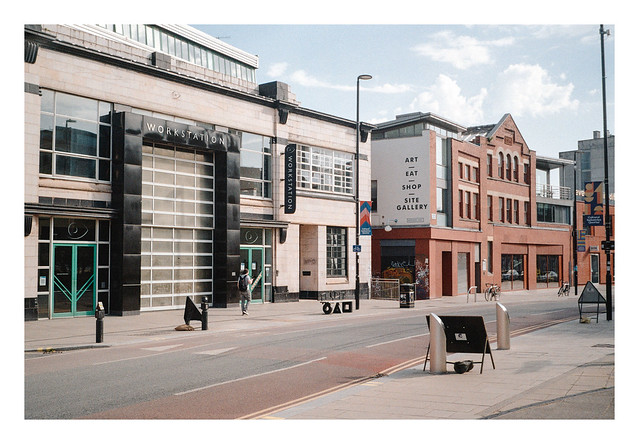
Olympus Trip 35 & Kodak Colorplus. Lab developed. Home scanned and converted with Negative Lab Pro.
Taken on 18 July 2022.

 Steel City Snapper photography
You might want to consider going even smaller.
https://www.foregroundweb.com/image-size/
LikeLike
It’s not something I’m particularly concerned with. I’m not chasing views, so if my larger images take a little longer to load then so be it. I have a personal bugbear when interesting images are uploaded at a small size and I’m unable to view them in more detail – one of the main reasons I barely use Instagram. I’m not a pixel peeper, but sometimes it’s just nicer to get a closer look at something. I’m trying to balance my own uploads on Flickr to meet a maximum detail / minimum wastage ideal – at least that’s the intent.
LikeLike
Understood. In the past when I embedded Flickr images into my log, Flickr changed something that left over 200 images in limbo. I swore never again. The advantage of using Flickr, though, is that they have very fast servers to load those large images.
Here’s one example.
https://islandinthenet.com/im-famous/
YMMV.
LikeLike